A smartphone might be sufficient for blog videos where the message is well thought out and the shooting is backed by a bit of discipline. Bloggers tend to postpone their video activities until a special camera, corner of the studio, recording equipment, or proper setting is prepared. Such postponement normally turns out to be less productive compared to the simple set of tools. The readers are ready to tolerate any phone shooting as long as it seems informative, authentic, and easy on the eyes. The video of how a certain thing works or looks can be used as an additional illustration in a blog post.
The right strategy would be to consider the smartphone as a small-scale production facility which shoots, stores, edits, exports, and uploads video from one single piece of gadgetry. Once the video is shot, the online video editor can help in the cleaning process, trimming unnecessary scenes, adding some texts, adjusting the size, etc. This method suits the bloggers as video goes hand in hand with writing: quick shooting, editing, publishing, and improving for the next time.
Start with the blog post before the camera
A blog video should serve the article. This sounds obvious, yet many clips fail because they are filmed as separate social content and then forced into a post later. Before recording, decide what the video must do on the page. IThis might include an explanation for just one stage, a comparison between two states before and after, additional evidence for a blog post, or even a more interesting take on a dull paragraph.
For instance, a blog post on creating a WordPress contact page will require a short 40-second video of the end result of that process on the phone. A review of a small desk light may need a simple shot comparing the light on and off. A post about home cooking, travel packing, DIY repairs, or software tutorials may need one visual answer that text alone cannot give quickly.
The video does not need to repeat the whole article. It should solve one small problem inside it. That is where smartphone video becomes powerful for blogging. A short video is capable of capturing the true essence of routine: hands unpacking a box, phone screen displaying a webpage, laptop set-up, a notebook plan, walking through a minor error. All these small details will help build trust as they are captured, not staged.
A proper pre-video shooting outline can look like this:
- What message should the viewer get from this video?
- Where will the video sit inside the article?
- Will the clip be horizontal for YouTube or blog embeds, vertical for Shorts and Reels, or square for flexible use?
- What visual detail matters most?
- What can be excluded from the scene before shooting to improve the framing?
This will only take you less than five minutes.
Make the phone behave like a camera
The easiest upgrade is cleaning the lens. Phone lenses collect fingerprints all day, and that soft, foggy look often comes from a pocket rather than poor camera quality. A quick wipe with a soft cloth can make the image sharper before any editing happens.
Then lock the phone in place. Handheld video can look natural, but a blog video usually benefits from stability. A cheap tripod, a stack of books, a mug, or a shelf can work. The goal is to remove tiny shakes that make viewers feel tired. If movement is needed, move slowly and with intention. Fast pans across a room or desk often look messy on mobile screens.
Light matters more than camera specs. Film next to a window if possible, with the person looking towards the light source. Daylight should not be combined with yellow lamps, since weird skin colors and product colors may result. If the video is about a physical object, rotate the object instead of moving the phone around it. This keeps the frame calm and makes the clip easier to trim.
Audio must be taken with the same care. In most blog videos, the phone microphone is good enough if there is no noise in the room and the person speaking is close by. Do not film near fans, open windows, refrigerators, or echoing rooms. A closet, carpeted bedroom, or room full of curtains can make less noise than an airy kitchen. The narration for some videos can be recorded as a voiceover. This gives the video a cleaner rhythm.
Jennifer Blair’s guide on shooting video content on your phone gives practical advice that fits solo bloggers well: clean the lens, choose the right orientation before filming, and think about the final platform in advance. For blog videos, this matters because one short clip may later become an article embed, a social preview, or a tutorial fragment. Planning the format before recording makes editing much easier.
Shoot for editing, not for perfection
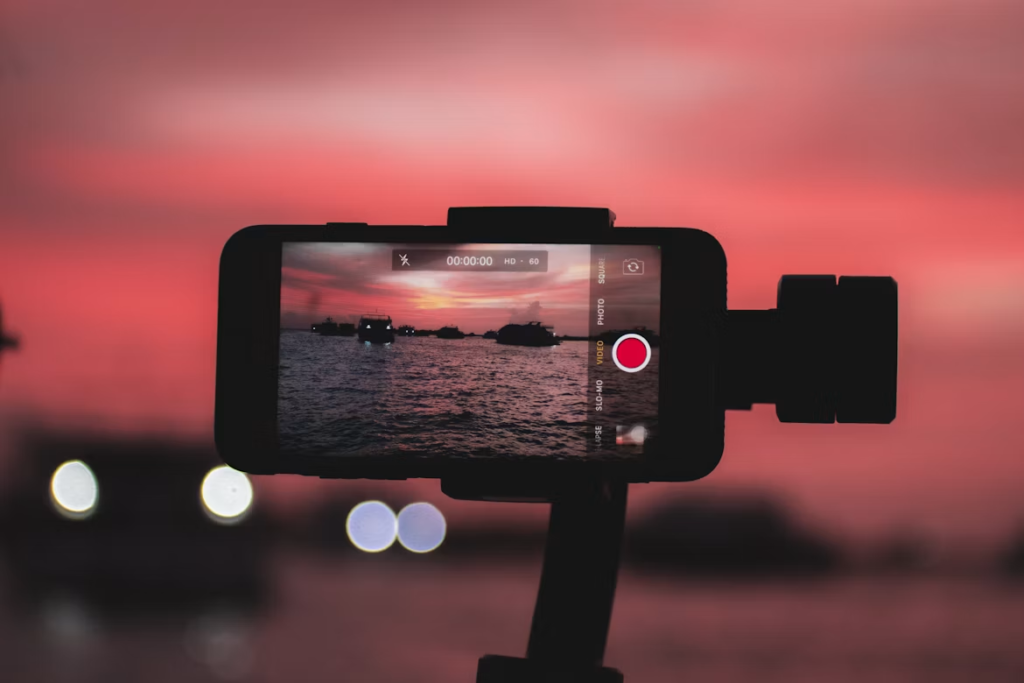
Good mobile video often comes from leaving room to edit. The recording should start three seconds before the action happens and continue three seconds past the action. This gives space for clean cuts. Hold each important shot longer than feels necessary. What feels slow while filming may feel calm when placed inside a blog post.
Think in short scenes. A product review video would require filming the product, a close up of the product’s feature, how it is being used, and the result of using it. The tutorial video would require filming the product, the action being performed on it, what not to do to ruin it, and the end result. These small scenes can be merged later into one clear clip with a video merger or online video editing tool.
The strongest blog videos usually avoid visual clutter. A messy desk may be honest, yet too many objects compete with the subject. Remove bright packaging, random cables, cups, and open browser tabs. The viewer should know where to look without effort.
For bloggers who publish across several channels, orientation is worth deciding early. Horizontal video still works well for YouTube embeds and desktop blog readers. Vertical video fits mobile-first platforms and can be embedded in some article layouts when the page design supports it. Square video is flexible for feeds. If one recording needs to work everywhere, leave extra space around the subject so the clip can be resized later.
This is where post-production matters. A creator may record one clean horizontal clip, then use a video resizer for vertical previews, add subtitles for silent viewing, and compress video before uploading. Clideo’s guide on a vlogging kit for content creators also makes a practical point: a smartphone can be the basic kit, with extra gear added only when the creator knows what is missing.
Use small edits that help readers stay longer
Editing for blog videos should be quiet and useful. The goal is clarity. Cut the pause before speaking. Remove the failed tap on the phone screen. Trim the moment where the product is out of frame. Add a short title if the video appears in the middle of a long article. Add subtitles when speech explains something important, especially because many people watch embedded videos without sound.
A blog video does not need heavy transitions. Simple cuts usually feel cleaner. Text labels can help when the video shows a process: “Step 1,” “Final result,” “Before upload,” “Mobile preview.” These labels also make clips easier to understand when repurposed for social media.
The most useful editing tasks for bloggers are often basic:
- trim video to remove empty seconds
- merge video clips into one simple sequence
- add subtitles for silent viewers
- resize video for blog, YouTube Shorts, Instagram, or TikTok
- compress video so the page stays fast
- add image to video when a screenshot or blog graphic needs context
- adjust aspect ratio without losing the main subject
Video SEO also starts here. File size, loading behavior, captions, surrounding text, and placement inside the article all affect how useful the video feels. A heavy clip that slows the page may hurt the reading experience. Placing a short and relevant video clip next to the appropriate paragraph will enable the reader to comprehend the entire article and spend some time reading it. Bloggers who produce videos also on YouTube should consider the following YouTube SEO tips for improving the titles, descriptions, and keywords used.
Art list has a helpful article on creating better videos with a smartphone that focuses on storytelling, movement, and audience connection. For blog videos, that advice becomes even more specific: every shot should support the reader’s reason for opening the article.
Build a repeatable phone video habit
The best smartphone video setup is the one a blogger can repeat every week. It is better to have an easy workflow than something complex which seems too cumbersome to begin with. Keep your checklist nearby at the desk: lens clean, phone charged, background clear, window lighting, airplane mode on, first shot prepared, final output selected.
There is always the danger of forgetting about airplane mode. Your phone may get distracted with a call or a notification, and the entire scene will be ruined. Battery life is also something which might seem unnoticed, particularly when you film in 4K quality. In most cases of blog posts, 1080p is sufficient enough. Use 4K when cropping or high-detail product shots matter.
It also helps to create a small “blog video corner.” This does not need studio design. A clean wall, a desk near a window, a plant, a notebook, a laptop stand, or one neutral background can become recognizable. Readers may begin to associate that look with practical, trustworthy content.
The final habit is reviewing the video like a reader. Watch it once without sound. Is the point still clear? Watch it again on mobile. Is the subject large enough? Then watch the first five seconds. Does it start too slowly? Most weak blog videos can be improved by cutting the beginning.
Smartphone video is effective because it reduces the gap between an idea and proof. It allows bloggers to create a video of the process of how something should be done. The blogger would simply need to record the guide, edit the video online, subtitle it, resize and post.. That is the real advantage. The phone captures the useful moment while it is still fresh, and a careful edit turns that moment into content that supports the article instead of distracting from it.
Conclusion
A camera that costs several hundred dollars is not needed for filming videos that would be worth posting on a blog. This task can be done with the help of a smartphone provided the video has a particular goal, good stabilization, proper lighting, a decent sound, and additional material for editing.
The best videos for blogs perform a single function. They may demonstrate something, teach how to do something, introduce a new product, etc. Planning in advance what your video is going to be about will help you avoid unnecessary material and make editing easier.
Post-processing in its basic form is sufficient. Clipping the unnecessary parts of the video, merging clips, putting in subtitles, resizing, and compressing the final result will make your video clearer and more efficient.