
Choosing the right WordPress Theme for e-Commerce can make or break your online store. A good theme doesn’t just look attractive — it improves speed, enhances user experience, supports WooCommerce smoothly, and boosts conversions.
If you’re planning to launch an online store like Amazon or Flipkart, these themes can give you a powerful foundation. Let’s explore them in detail.
Content at a glance –
- Astra
- Divi
- Storefront
- Flatsome
- WoodMart
- Botiga
- GeneratePress
- Neve
- OceanWP
- Shoppe
1. Astra – The All-Round eCommerce Champion

Astra is one of the most popular WordPress Theme for e-Commerce because it’s lightweight, fast, and tailor-made for WooCommerce stores of all sizes. You can start with a free version and upgrade to unlock advanced shop features, premium templates, priority support, and deeper integrations. Its performance-first approach makes it a top pick for SEO-minded store owners.
Why It’s Great for e-Commerce:
- Deep integration with WooCommerce
- Pre-built eCommerce starter templates
- Custom product grids and checkout design
- Works perfectly with Elementor and other page builders
Astra is ideal for beginners who want professional design without coding knowledge.
Pros and Cons
Pros
- Excellent WooCommerce Integration
- Fast & Lightweight
- Customization without Coding
- Starter Templates for Stores
- Page Builder Friendly
- Responsive & Mobile-Ready
- SEO-Optimized
Cons
- Free Version Has Limitations
- Learning Curve
- Feature Variability with Page Builders
- Support & Templates Quality Varies
- Requires Plugins for Some E-Commerce Enhancements
Summary
| Aspect | Astra (for e-Commerce) |
|---|---|
| Performance | ⭐⭐⭐⭐ (fast, lightweight) |
| WooCommerce Support | ⭐⭐⭐⭐ (good, with pro options) |
| Ease of Use | ⭐⭐⭐ (powerful but some learning required) |
| Customization | ⭐⭐⭐⭐ (especially with Pro) |
| Value | ⭐⭐⭐ (free base is good, but advanced best with Pro) |
👉 Best for: Beginners to advanced users who want flexibility + speed.
2. Divi – Ultimate Visual Designer
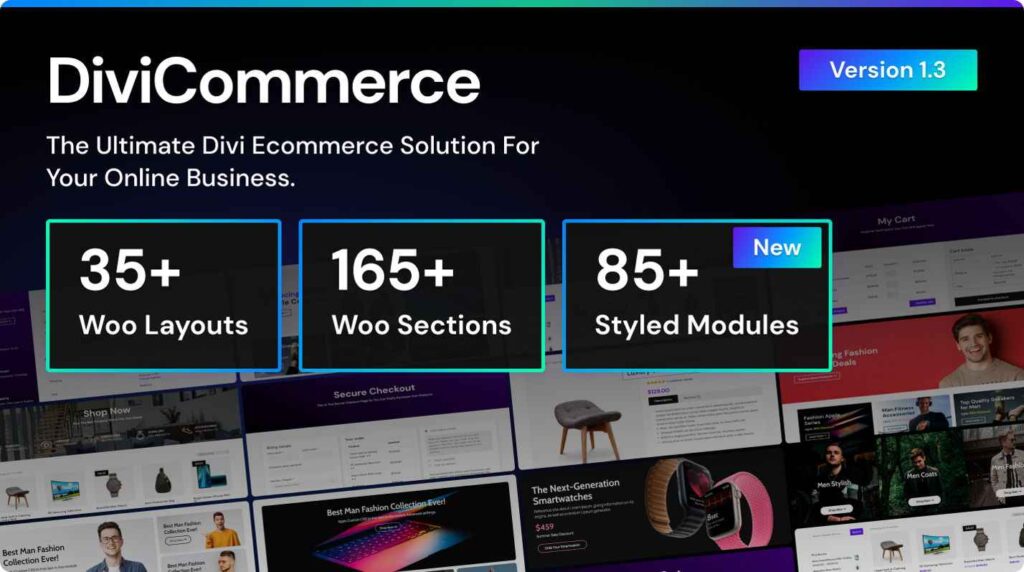
Divi isn’t just a theme — it’s a visual design system. With drag-and-drop page building baked in, you can shape every part of your store without touching code. Divi’s dynamic WooCommerce modules make it a compelling choice for brands focused on aesthetics and conversion psychology. While the learning curve is steeper, the creative control is hard to beat.
Divi is a powerful multipurpose theme with a built-in visual builder. It allows you to design product pages, landing pages, and checkout pages using drag-and-drop tools.
Key Features:
- Built-in visual page builder
- Custom WooCommerce modules
- Advanced design control
- Split testing feature for conversions
Divi is perfect for store owners who want complete design freedom.
Pros and cons
Pros
- Visual Drag-and-Drop Builder
- Pre-Built E-Commerce Layout Packs
- Deep WooCommerce Integration
- High Design Flexibility
- Global Elements & Styles
- Responsive Editing Tools
- No Coding Required (Mostly)
- Performance Improvements Over Time
- Lifetime License Option
Cons
- Slower Performance Out of the Box
- Learning Curve for New Users
- WooCommerce Styling Limitations
- Less SEO-Optimized by Default
- Dependency on Shortcodes
- Cost (Premium Only)
- Add-Ons & Extensions Required for Advanced Features
- Mixed Speed on Large Catalogs
Summary Recommendation
| Situation | Divi e-Commerce Suitable? |
|---|---|
| Small to medium store wih custom design needs | ✅ Highly suitable |
| Non-developer building a branded shop | ✅ Good choice |
| High-traffic large catalog store | ⚠️ Needs optimization and possibly custom development |
| Prioritizing speed & minimal overhead | ❌ Better with lightweight/Shop-optimized themes |
👉 Best for: Designers and marketers who value creativity.
3. Storefront
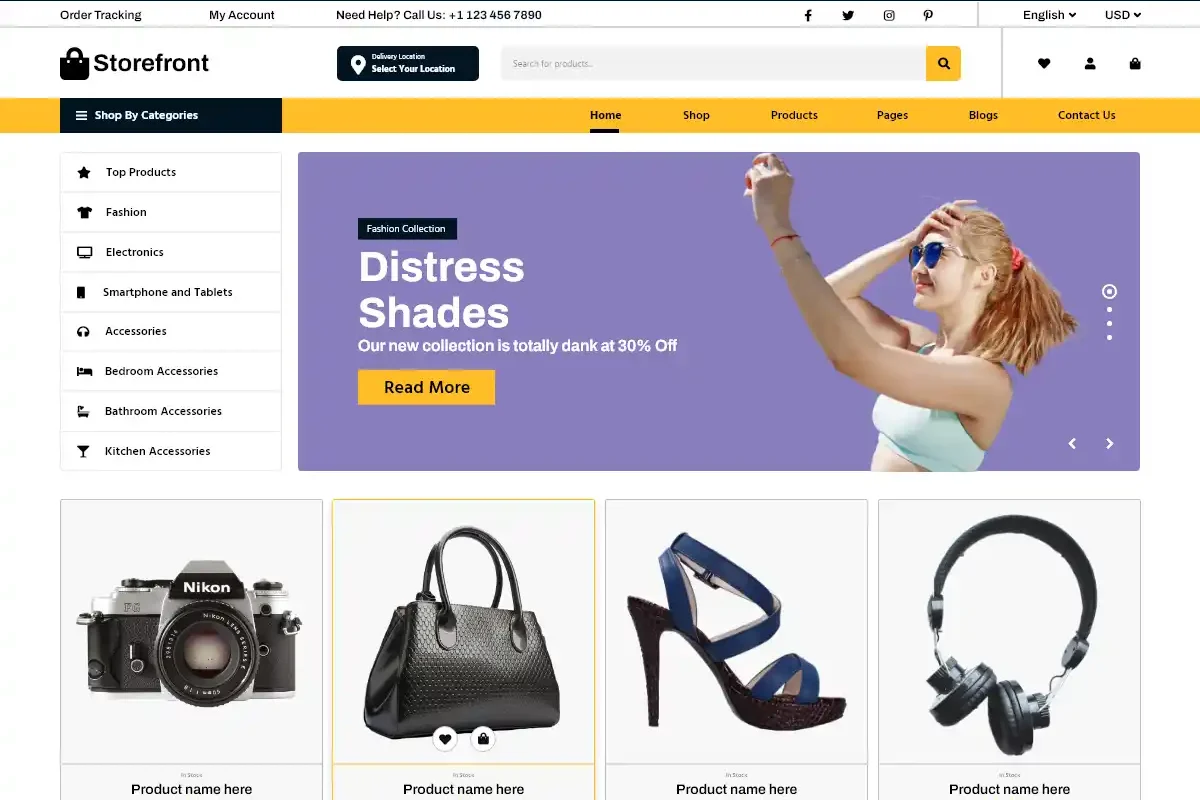
Storefront is the official theme created by the team behind WooCommerce. That means maximum compatibility and stability.
Why Choose Storefront:
- Clean and minimal design
- Optimized for WooCommerce performance
- Regular updates
- Developer-friendly
It’s an excellent choice if you want a simple yet reliable online store.
Storefront Theme — Key Features
1. Built-in WooCommerce Integration
Storefront is developed by the same team that builds WooCommerce, giving it native compatibility and deep integration with WooCommerce core and its extensions — meaning fewer conflicts and smoother updates.
2. Lightweight & Fast Performance
Its minimal design and clean code make Storefront lightweight and fast-loading, which helps with user experience and SEO performance — critical for online stores.
3. Responsive & Mobile-Friendly
The layout adjusts to screens of all sizes, so customers on phones or tablets get a smooth shopping experience.
4. Customizer-Based Editing
You can adjust colors, layouts, widgets, and product sections via the WordPress customizer without coding knowledge.
5. Widget Areas & Layout Options
Includes multiple widget regions (like footer areas), a homepage template that highlights products, and layout controls suitable for e-commerce shops.
6. Extensible via Child Themes & Extensions
There are many Storefront child themes and paid extensions (like Powerpack) that add features such as mega menus or enhanced headers without modifying theme files.
Pros and Cons – Storefront WordPress Theme
Pros
- Seamless WooCommerce Compatibility
- Very Fast & Lightweight
- Free to Use
- Clean, Simple Design
- Good Extensibility for Developers
- Reliable Updates & Support
Cons
- Basic Default-In Features
- Limited Built-In Features
- Customization can Required Extensions
- Not Feature-Rich on Its Own
- May Need Developer Involvement for Complex Customization
Summery – When to Choose Storefront
Great choice if you want:
- A free, fast, and reliable theme with perfect WooCommerce compatibility.
- A lightweight base that you can customize or build upon.
- A developer-friendly structure with minimal bloat.
Less ideal if you want:
- A rich suite of built-in design and conversion tools.
- A flashy or highly branded retail storefront without extra plugins.
- Advanced layouts and functionality out of the box.
4. Flatsome – Conversion-Focused WooCommerce Powerhouse
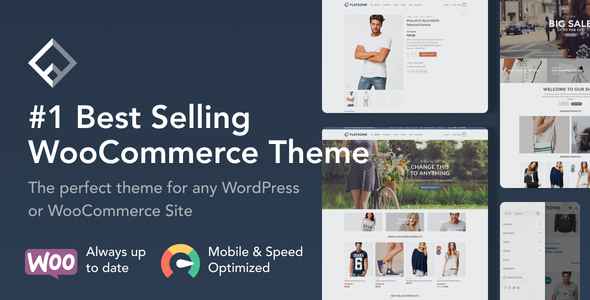
Flatsome shines when it comes to conversion-driven stores. With its intuitive UX Builder, built-in quick view, live search, and beautiful product layouts, Flatsome keeps customers engaged and helps increase cart size. It’s a premium theme that delivers excellent ROI for serious e-commerce shops.
Flatsome is one of the best-selling WooCommerce themes on ThemeForest. It’s known for its modern look and UX Builder.
Standout Features:
- Live page builder
- Conversion-focused layouts
- Large demo library
- Advanced product filtering
Great for fashion, electronics, and multi-category stores.
Storefront is the official theme created by the team behind WooCommerce. That means maximum compatibility and stability.
Why Choose Storefront:
- Clean and minimal design
- Optimized for WooCommerce performance
- Regular updates
- Developer-friendly
It’s an excellent choice if you want a simple yet reliable online store.
Flatsome WordPress Theme – Pros & Cons
Pros
- Built for WooCommerce
- UX-Focused Design
- Powerful Drag-and-Drop Builder (UX Builder)
- Fully Responsive
- Performance-Focused
- Lots of Pre-Built Layouts
- Regular Updates
- Compatible with Popular Plugins
Cons
- Learning Curve
- UX Builder Lock-In
- Customization Limits Without Coding
- Feature Overlap
- Less Third-Party Add-Ons Compared to Other Builders
- Default Look can Feel Similar
Bottom Line for Flatsome E-Commerce WordPress
| Category | Rating |
|---|---|
| Ease of Use | ⭐⭐⭐⭐✰ |
| Design Flexibility | ⭐⭐⭐⭐✰ |
| Performance | ⭐⭐⭐⭐✰ |
| SEO-Friendliness | ⭐⭐⭐⭐✰ |
| Scalability | ⭐⭐⭐✰✰ |
| Value for Money | ⭐⭐⭐⭐✰ |
➡ Best for: Small-to-medium WooCommerce shops that want a fast, visually appealing store with minimal reliance on extra tools.
➡ Consider Alternatives if: You need highly advanced custom layouts tied to other builders (like Elementor), or if you expect massive scaling with many custom product types.
👉 Best for: Medium to large stores looking to maximize sales.
5. WoodMart – eCommerce WordPress Theme
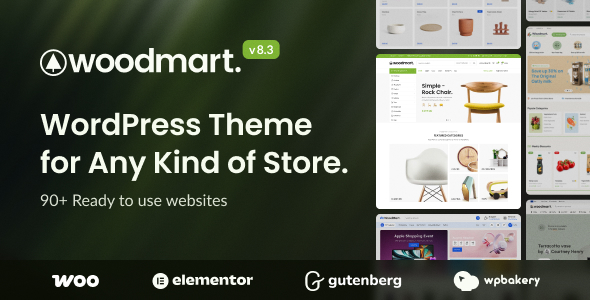
WoodMart is built specifically for online stores and offers a premium design experience.
What Makes It Special:
- AJAX product filters
- Advanced header builder
- Fast loading structure
- Multiple shop layouts
Ideal for large eCommerce websites with thousands of products.
WoodMart Theme — Pros & Cons for e-Commerce
Pros
- Built for e-Commerce
- Powerful AJAX Filtering & Search
- Excellent Customization
- Ready-Made Demos
- Mobile-Friendly & Responsive
- Built-in Performance Features
- Frequent Updates & Support
Cons
- Steep Learning Curve
- Performance Can Be Heavy
- Page Builder Dependency
- Add-Ons & Plugins Required
- Customization Limits Without Code
- Theme Lock-In
Quick Summary
| Aspect | Rating |
|---|---|
| Ease of Use | ⭐⭐☆☆☆ |
| Design Flexibility | ⭐⭐⭐⭐☆ |
| Speed / Performance | ⭐⭐⭐☆☆ |
| WooCommerce Support | ⭐⭐⭐⭐☆ |
| Value for Money | ⭐⭐⭐⭐☆ |
6. Botiga – eCommerce WordPress Theme
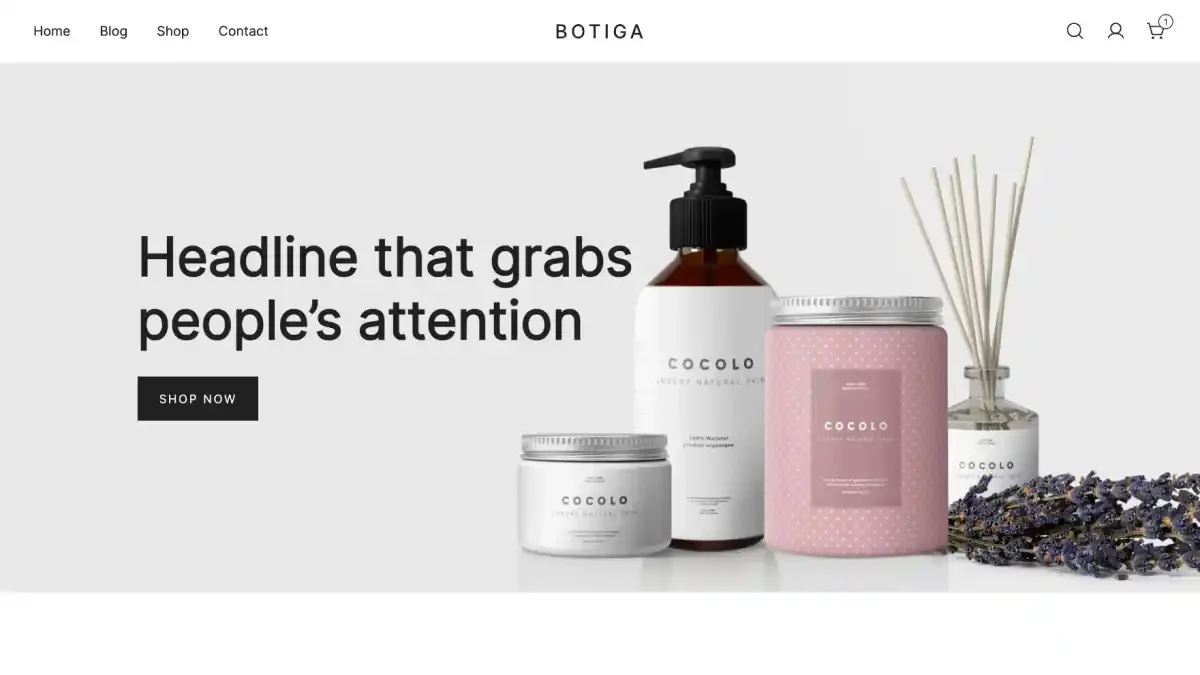
Botiga is a modern WooCommerce-focused theme designed with clean UI principles.
Highlights:
- Quick view product feature
- Wishlist support
- Distraction-free checkout
- Responsive mobile design
Perfect for small to medium-sized online businesses.
Pros
- Excellent Performance & Speed
- Strong WooCommerce Focus
- Modern, Clean, and Responsive Design
- Customization Options
- Good Technical and SEO Foundations
- Starter Sites & Demo Import
- Good for Beginners
Cons
- Limited Design Flexibility (Free Version)
- Some Features Behind Paid Version
- Learning Curve for Non-Developers
- Less Extensive Template Library
- Not Ideal for Non-eCommerce Needs
Summery Recommendation
Best for:
✅ Small to medium WooCommerce stores focused on performance, simplicity, and conversions.
Potential limitations:
⚠️ Stores requiring complex design freedom or advanced features may need the Pro version or alternative themes with richer ecosystems.
7. GeneratePress – eCommerce WordPress Theme
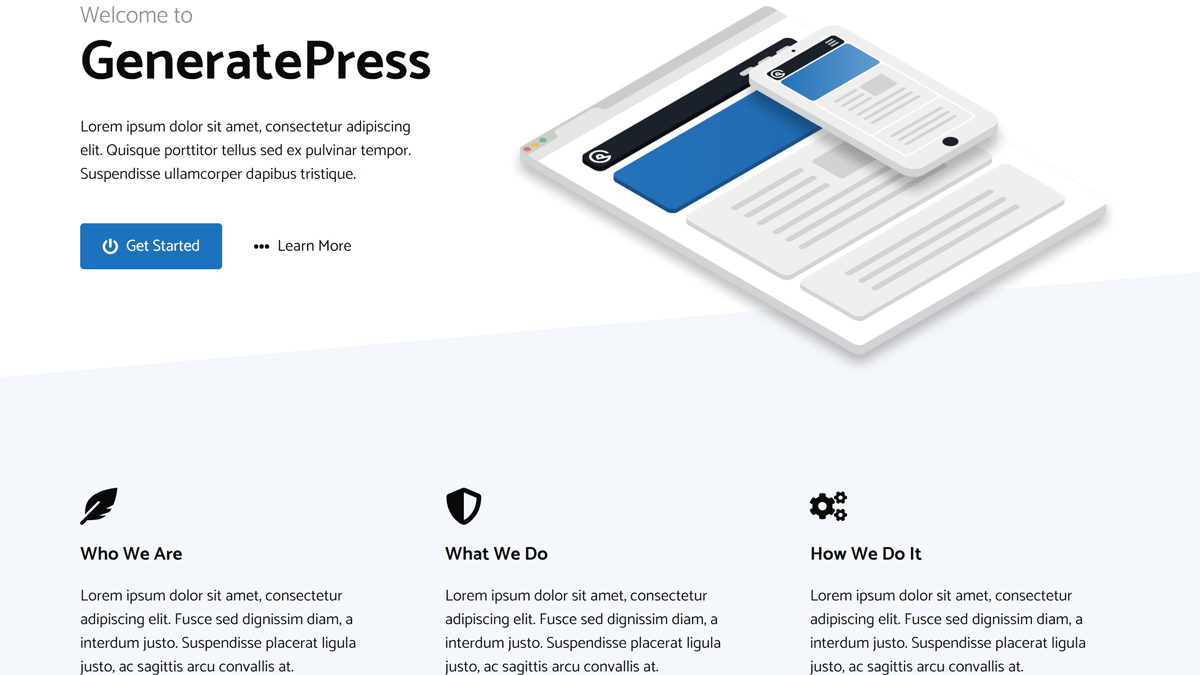
GeneratePress is known for speed and stability.
Why It Works for e-Commerce:
- Lightweight framework
- SEO-friendly structure
- WooCommerce add-on support
- Clean coding standards
Best for performance-focused store owners.
GeneratePress – eCommerce WordPress Theme
Pros
- Extremely Fast & Lightweight
- Great WooCommerce Compatibility
- Highly Customizable
- SEO-Friendly & Performance Optimized
- Modular Design (Load Only What You Use)
- Works with Block and Page Builders
- Strong Support & Documentation
Cons
- Basic Out-of-the-Box Design
- Many Features Require Premium
- No Native Drag-and-Drop Builder
- Free Version Is Limited
- Requires Some WordPress Knowledge
Summary
| Aspect | How GeneratePress Performs |
|---|---|
| Performance (Speed & Optimization) | ⭐⭐⭐⭐⭐ Excellent |
| WooCommerce Compatibility | ⭐⭐⭐⭐ Good |
| Customization Flexibility | ⭐⭐⭐⭐ Good (premium adds more power) |
| Design Ready-Made Templates | ⭐⭐⭐ Basic |
| Ease of Use for Beginners | ⭐⭐⭐ Moderate |
Best for: store owners who prioritize performance, clean design, and flexibility — especially if you’re comfortable working with Gutenberg or page builders.
Less ideal for: those wanting rich e-commerce layouts and features straight out of the box without upgrading or without using page builders.
8. Neve – eCommerce WordPress Theme
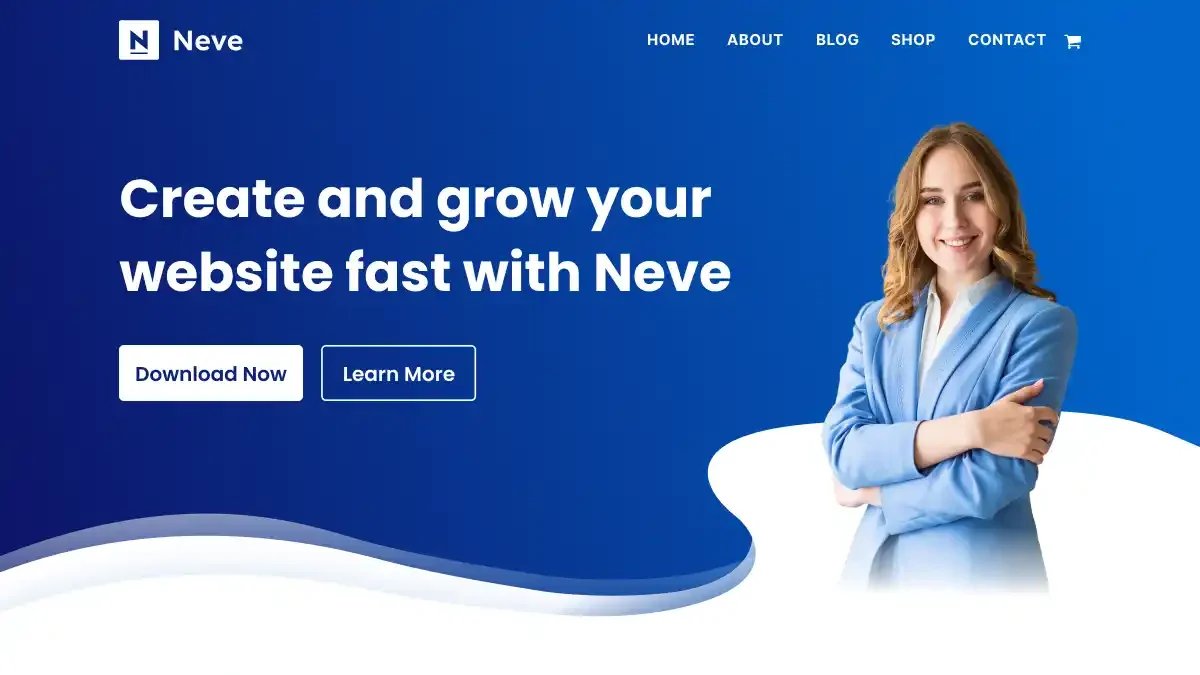
Neve is a fast, mobile-first theme built for modern online stores.
Key Benefits:
- AMP-ready
- Optimized for speed
- Header & footer builder
- Pre-built shop layouts
Great for startups that prioritize mobile shoppers.
Pros and Cons – Neve eCommerce theme
Pros
- Fast & Performance-Focused
- Mobile-First and Responsive
- Built-in WooCommerce Compatibility
- Works With Page Builders
- SEO & Performance Friendly
- Starter Templates & Demo Sites
- Multilingual Support
- Flexible Customization
Cons
- Limited Free Version Features
- Some Useful Tools Are Paid
- Starter Demos Can Add Extra Plugins
- Customization Learning Curve
- Not as Rich Feature-Wise as Some Premium Themes
9. OceanWP – eCommerce WordPress Theme

OceanWP offers deep WooCommerce customization features.
Features:
- Floating add-to-cart bar
- Popup product gallery
- Multi-step checkout
- Extensive theme extensions
Suitable for stores needing advanced customization.
Pros
- Excellent WooCommerce Support
- Highly Customizable Store Design
- Extensive Demo Library & Templates
- Works Well with Page Builders
- SEO & Performance
- Free Version Is Very Capable
Cons
- Many Features Hidden Behind Extensions/Paid Plans
- Can Be Overwhelming for Beginners
- Not the Fastest Out-of-the-Box
- Requires Recommended Plugins for Full Functionality
- Customizer Might Slow with Many Options
10. Shoppe – eCommerce WordPress Theme
Shoppe by Themify is a flexible and stylish WordPress Theme for e-Commerce built specifically for WooCommerce users.
Key Features:
- Drag-and-drop Themify Builder
- AJAX cart and quick view
- Wishlist functionality
- Mega menu support
- Multiple shop layouts
Why Choose Shoppe?
If you want a visually rich store with strong customization options without heavy coding, Shoppe is a reliable option. It works well for fashion stores, gadget shops, and lifestyle brands.
Pros
- Built-in E-Commerce Features
- Drag-and-Drop Page Builder
- Multiple Pre-Designed Demos
- Responsive & Mobile-Friendly
- Customizability
- Good Support and Documentation
- SEO-Friendly Base
Cons
- Dependent on WooCommerce
- Performance Can Be Heavy
- Learning Curve
- Fewer Updates Compared to Top Premium Themes
- Limited Advanced E-Commerce Tools
- Not as Lightweight SEO-Optimized as Some Competitors
How to Choose the Best WordPress Theme for e-Commerce
When selecting your theme, focus on:
- ✔ Speed & Performance
- ✔ WooCommerce Compatibility
- ✔ Mobile Responsiveness
- ✔ Customization Options
- ✔ SEO-Friendly Structure
- ✔ Conversion Optimization Features
If you’re starting fresh, Astra or Neve are excellent beginner-friendly options.
If you want full design control, Divi is powerful.
For large stores, WoodMart or Flatsome work extremely well.
Final Thought
Your theme is the backbone of your store. A well-chosen WordPress Theme for e-Commerce improves user experience, increases trust, and directly impacts sales.
Before purchasing any theme:
- Test the demo
- Check mobile responsiveness
- Review loading speed
- Ensure WooCommerce compatibility
Pick wisely, customize smartly, and focus on delivering a smooth shopping experience.
👉 Best for: Beginners to advanced users who want flexibility + speed.





You’re so awesome! I don’t believe I have read a single thing like that before. So great to find someone with some original thoughts on this topic. Really.. thank you for starting this up. This website is something that is needed on the internet, someone with a little originality!
Pretty! This has been a really wonderful post. Many thanks for providing these details.