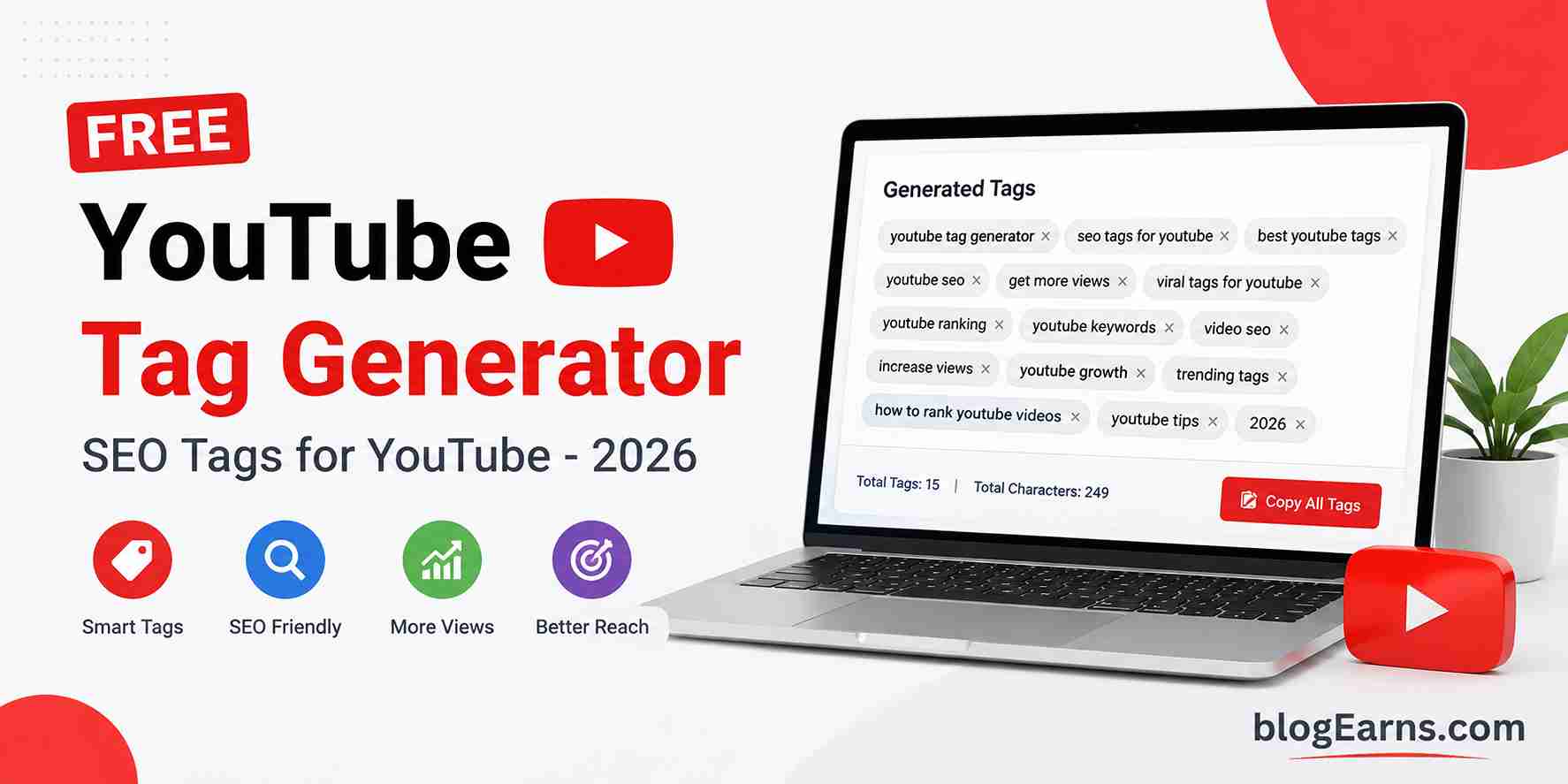
Free YouTube Tag Generator
Generate search-intent tags based on real YouTube discovery patterns — ready to paste into Studio.
Primary Keywords
Core terms that define your video topic.
Long-tail Tags
Specific phrases with lower competition and higher intent match.
High Search Intent
Tags aligned with what viewers actively search for.
Trending Variations
Timely and freshness signals for algorithm relevance.
Question-based Tags
Natural query patterns from YouTube search autocomplete.
Beginner Intent
Advanced Intent
Related Niche Tags
Low Competition Suggestions
Longer, specific tags that are easier to rank for.
Broad-match & Short-form
If you upload videos to YouTube and struggle to choose the right keywords, a YouTube Tag Generator can save you time while improving discoverability. This guide explains how tags work in 2026, how to use our free YouTube tag generator tool, and the exact workflow top creators follow to rank for real search queries—not random keyword stuffing.
What Is a YouTube Tag Generator?
A YouTube Tag Generator is an online tool that creates relevant keyword tags for your videos based on your topic, title, or main keyword. Instead of guessing which phrases to add in YouTube Studio, you enter your video subject once and receive organized tag suggestions aligned with how people actually search on YouTube.
A high-quality free YouTube tag generator does more than mash words together. It should understand search intent—whether viewers want a tutorial, a review, entertainment, or news—and produce tags that match YouTube autocomplete patterns, long-tail queries, and niche-specific language. That is exactly what our tool is built to do: generate practical tags you can paste directly into YouTube Studio.
Use the generator on this page by entering your video topic above, then copy the results in one click. Whether you run a tech channel, gaming content, finance explainers, or Shorts, the YouTube Tag Generator adapts suggestions to your niche.
Why YouTube Tags Still Matter for Video SEO
YouTube has confirmed that tags are a secondary ranking signal compared to title, thumbnail, description, and watch time. That does not mean tags are useless. Tags help YouTube understand context—especially for misspellings, alternate phrasing, and related topics that do not appear in your title.
Think of tags as clarification for the algorithm. If your video is titled “Best Budget Laptop 2026,” tags like budget laptop review, cheap laptop for students, and best laptop under 500 tell YouTube which search results your video should compete for. A smart YouTube Tag Generator surfaces those variations automatically so you do not miss high-intent searches.
Tags vs. Title and Description
- Title — Primary ranking factor and click-through driver. Include your main keyword near the front.
- Description — First 150 characters matter most; repeat your topic naturally and add timestamps.
- Tags — Support discovery for related and long-tail queries; keep them relevant and under the character limit.
- Thumbnail & retention — Determine whether YouTube keeps promoting your video after the first impressions.
The best strategy is to align all four. Run your topic through our YouTube tag generator tool, then mirror the strongest phrases in your title and opening description lines for consistency.
How to Use Our YouTube Tag Generator (Step by Step)
Follow this workflow every time you publish. It takes less than two minutes and works on mobile or desktop.
- Enter your video topic — Use your working title, main keyword, or a short phrase (e.g., “meal prep for weight loss” or “Valorant aim guide”).
- Click Generate Tags — The YouTube Tag Generator analyzes your input, detects content type, and builds categorized tag lists.
- Review each section — Primary keywords, long-tail tags, high search intent, trending variations, question-based tags, and low-competition suggestions are grouped so you can pick what fits.
- Check tag count and character total — YouTube allows roughly 500 characters across all tags. Our tool displays both metrics and an SEO score so you stay within best practices.
- Copy all tags — Use the one-click copy button, then paste into YouTube Studio → Video details → Tags.
- Trim if needed — Remove any tag that feels off-topic. Quality beats quantity.
Pro tip: Generate tags before you finalize your title. If the tool suggests “for beginners” or “step by step” repeatedly, that is a signal real viewers search those terms—consider reflecting them in your title.
What Makes a Good YouTube Tag in 2026?
The best tags share four traits: relevance, search intent match, natural language, and specificity. Here is what to aim for when using any YouTube Tag Generator, including ours.
1. Relevance to Your Actual Video
Every tag must describe what the viewer will see. Misleading tags can hurt click-through rate and retention when viewers bounce quickly. If your video is a beginner Photoshop tutorial, do not add tags for advanced 3D animation unless that content appears on screen.
2. Search Intent Alignment
Match tags to why someone searches. Tutorial intent (“how to edit photos in Lightroom”), review intent (“iPhone 16 honest review”), and entertainment intent (“funny cat compilation”) require different tag sets. Our generator separates high search intent, beginner, and advanced buckets for this reason.
3. Long-Tail Keyword Opportunities
Broad tags like “fitness” are crowded. Long-tail tags such as “15 minute home workout no equipment for beginners” face less competition and often convert better. A dedicated YouTube Tag Generator should prioritize these longer phrases without sounding robotic.
4. Avoid Keyword Stuffing
Repeating the same word in fifteen tags does not help. YouTube’s systems are sophisticated enough to recognize spam patterns. Aim for 15–30 distinct, useful tags rather than 50 near-duplicates.
Types of Tags Our YouTube Tag Generator Creates
Understanding each category helps you choose tags with confidence. Our free YouTube tag generator outputs the following sections:
- Primary keywords — Core terms that define your topic.
- Long-tail tags — Specific multi-word phrases with clearer intent and often lower competition.
- High search intent — Tags aligned with active searches (how-to, review, comparison, tips).
- Trending variations — Freshness signals such as the current year or “latest” modifiers when appropriate.
- Question-based tags — Natural query patterns mirroring YouTube search autocomplete.
- Beginner & advanced intent — Audience-level targeting for educational content.
- Related niche tags — Context from detected categories (tech, gaming, finance, education, and more).
- Low competition suggestions — Longer, specific phrases that are easier to rank for early on.
- Broad-match & short-form — Wider reach terms and Shorts-friendly tags when relevant.
Not every section applies to every video. A vlog may lean on broad and trending tags; a coding tutorial benefits most from long-tail and question-based tags. Use judgment—our YouTube Tag Generator gives you options; you choose the final list.
Common YouTube Tag Mistakes to Avoid
Even with a reliable YouTube tag generator tool, creators still make predictable errors. Avoid these to protect your channel’s performance.
- Using competitor brand names — Unless your video genuinely discusses that brand, skip trademarked names used only for traffic.
- Copying another video’s tags — Their audience intent may differ from yours.
- Ignoring the 500-character limit — Tags past the limit are ignored; prioritize your strongest phrases first.
- Tagging unrelated trending topics — Viral news tags on unrelated videos hurt trust and retention.
- Single-word tags only — Mix short broad tags with descriptive long-tail phrases.
- Forgetting Shorts — If you publish Shorts, include shorts-specific tags when the tool suggests them.
YouTube Tag Generator vs. Manual Research
Manual research—typing partial queries into YouTube search and noting autocomplete suggestions—still works. Many creators combine both methods: use autocomplete for inspiration, then run your finalized topic through our YouTube Tag Generator to catch gaps.
Compared to spreadsheets or guessing, an automated YouTube Tag Generator saves 10–20 minutes per upload, reduces duplicate tags, and organizes output by intent. That consistency matters when you publish weekly or daily.
Tools like VidIQ and TubeBuddy offer tag insights inside broader channel suites. Our generator focuses on one job: fast, free, mobile-friendly tag creation without installing a browser extension—ideal for bloggers, agencies, and creators who embed the tool on their own site.
Best Practices for Maximum Discoverability
Tags work best as part of a full optimization routine. After using the YouTube Tag Generator, complete this checklist:
- Place your main keyword in the first 60 characters of your title.
- Write a description that expands on the first two lines with keywords used naturally.
- Design a thumbnail that matches the promise of your title—CTR affects rankings heavily.
- Add chapters/timestamps for longer videos to improve session time.
- Pin a comment with a question to drive engagement signals.
- Share the video where your audience already spends time (community posts, newsletters, relevant forums).
Revisit tags on older videos that underperform after 30 days. Search trends shift; regenerating tags with our YouTube tag generator tool using an updated topic phrase can help legacy content resurface.
Who Should Use a YouTube Tag Generator?
This YouTube Tag Generator is built for:
- New creators who need a starting point without SEO expertise.
- Educators and coaches publishing tutorials, courses, and exam prep content.
- Tech and gaming channels targeting fast-moving product and patch keywords.
- Finance and business creators balancing compliance with discoverability.
- Shorts creators who need compact, high-intent tag sets.
- Agencies and bloggers embedding the tool on resource pages for their audience.
If you publish in multiple languages, generate tags in English first, then adapt the strongest phrases into your target language while keeping the same search intent.
Frequently Asked Questions About YouTube Tag Generators
Is this YouTube Tag Generator free?
Yes. Our YouTube Tag Generator is free to use on this page with no signup required. Enter your topic, generate tags, and copy them instantly.
How many tags should I add on YouTube?
Most creators use between 15 and 30 relevant tags, staying under YouTube’s total character limit (about 500 characters). Focus on accuracy over volume.
Can I use the same tags on every video?
No. Reusing an identical tag block tells YouTube little about each unique video. Run the YouTube Tag Generator separately per upload.
Do tags help YouTube Shorts?
Tags play a smaller role for Shorts than for long-form video, but relevant tags—including “YouTube Shorts” and topic-specific phrases—still clarify context. Use the Shorts-friendly suggestions when our tool detects short-form intent.
Will tags alone make my video go viral?
No single factor guarantees virality. Tags support discovery; thumbnails, hooks, retention, and audience fit determine whether YouTube scales impressions.
How is this different from keyword stuffing tools?
Low-quality generators output generic buzzwords unrelated to your topic. Our YouTube tag generator tool filters duplicates, removes irrelevant combinations, and groups tags by search intent so you get usable results—not spam.
Start Generating Tags Now
You do not need expensive software to optimize your next upload. Scroll to the YouTube Tag Generator at the top of this page, enter your video topic, and copy a research-backed tag list in seconds. Combine those tags with a strong title, clear description, and engaging thumbnail—and you will be using YouTube SEO the way successful creators do in 2026.
Ready? Use the generator above, paste your tags into YouTube Studio, and publish with confidence.