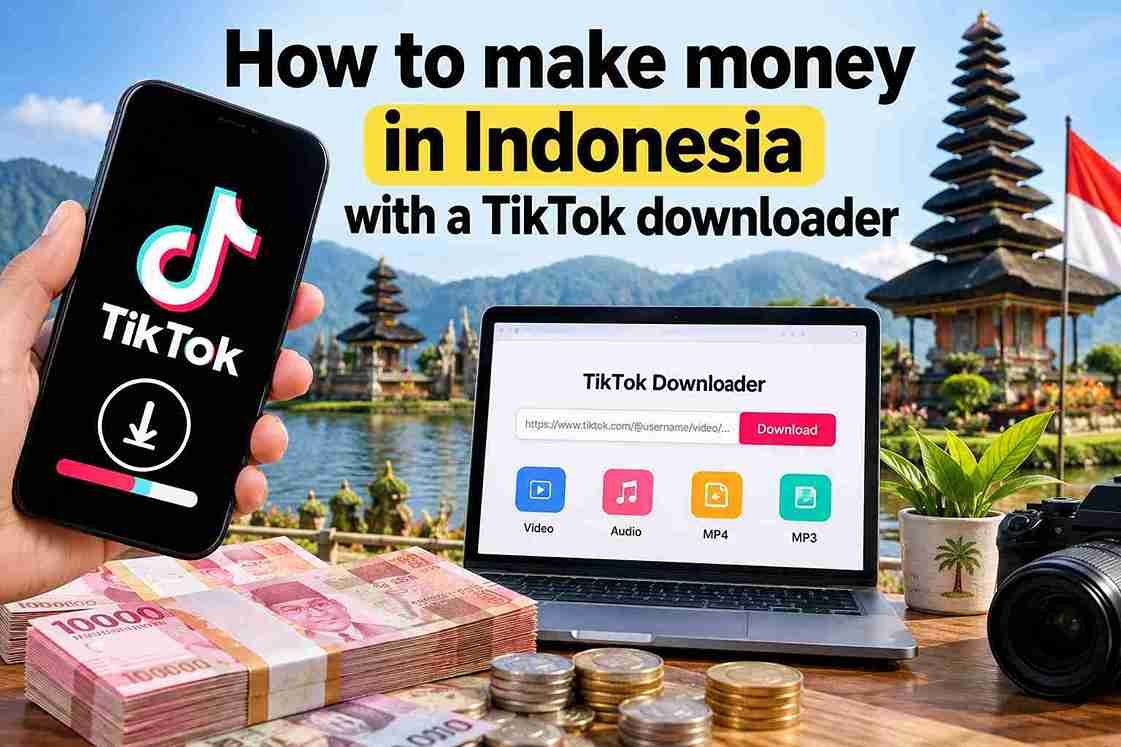
A TikTok downloader won’t earn money for you by itself. It can still save time in the work that does. SSSTik is a free browser tool that saves your TikTok videos as clean MP4 files without the TikTok logo, in HD when the original upload is in HD. For Indonesian creators, online sellers, and freelancers, this makes it easier to reuse their own content on more platforms, show their work to brands, and deliver files to clients. Below are practical ways to use it, plus the rules that keep your income safe.
Why a TikTok downloader helps creators earn more
Most income from short video comes from reach and consistency. The more places your content appears, the more chances you have to get sponsors, sales, and followers. The TikTok app lets you save some videos, but those copies usually carry the TikTok logo and username. A downloaded file without the logo looks cleaner when you post it on other apps or send it to a client.
SSSTik gets the watermark-free version of the video directly from TikTok. It doesn’t edit the logo out, so the image quality stays the same as the original. It is free with unlimited downloads, needs no registration, and works in any browser on Android, iPhone, tablet, or PC.
5 ways to use SSSTik for income
1. Repurpose your own videos on other platforms
Many Indonesian creators post the same clip to Instagram Reels, YouTube Shorts, and Facebook. Each platform has its own audience and its own ways to monetise. Download your TikTok video as an MP4 and upload it elsewhere without TikTok branding in the corner. One piece of content then works in several places.
2. Build a portfolio for brand deals
Local brands and UMKM businesses often want to see examples before they pay for endorsement content. Keep your strongest videos in a folder or a shared drive, so you can send them during a pitch. A saved file also stays available if you later archive or delete the post.
3. Sell more as a TikTok Shop affiliate or online seller
If you make product review videos, save your own clips and reuse them on your marketplace listings, WhatsApp Business catalogue, or Instagram store. A clear demo video can help buyers decide faster than photos alone.
4. Offer freelance editing or social media management
Freelancers who manage accounts for clients often need the original files to edit highlights, make compilations, or prepare monthly reports. With the client’s permission, a Tik Tok download through SSSTik gives you the file in seconds, without asking the client to export and send each video.
5. Turn live sessions and audio into new content
The new live broadcast download feature lets you keep a copy of your own TikTok LIVE. You can cut the best moments into short clips for later posts. You can also extract the audio as MP3 for a podcast episode, a voice-over, or a music demo.
How to download your videos in 3 steps
- Open the video in TikTok, tap the Share button and choose Copy link.
- Open SSSTik in your browser and paste the link into the input field.
- Tap Download and choose MP4 for video or MP3 for audio. The file goes to your device’s download folder.
Processing happens on SSSTik’s servers, so it is usually fast even on a mobile data connection. You can also use the tik tok download page to save Stories before they expire, or use the TikTok Viewer to check public profiles anonymously without logging in.
Download video TikTok tanpa watermark responsibly
Money made from content depends on trust, so stay on the right side of creator rights.
- Monetise only content you own, or content you have written permission to use.
- Don’t re-upload other people’s videos for views, ads, or sales. Platforms can remove the posts or suspend accounts that do this.
- Use other creators’ videos only for private study, such as checking trends, hooks, or editing styles.
- Expect some limits. Videos from private accounts and posts that have already been deleted can’t be downloaded, and quality depends on the original upload.
Your privacy while using SSSTik
SSSTik runs in your web browser, so there is no software to install and no account to create. It doesn’t store your download history or collect personal data. That suits freelancers who handle files for several clients on the same phone or laptop.
Similar tools for other platforms
If your work also covers other social networks, fGet and SSSTwitter use the same copy-and-paste steps.